
Your Copier Is a Computer: The Security Risk Sitting in Your Copy Room
November 1st, 2026

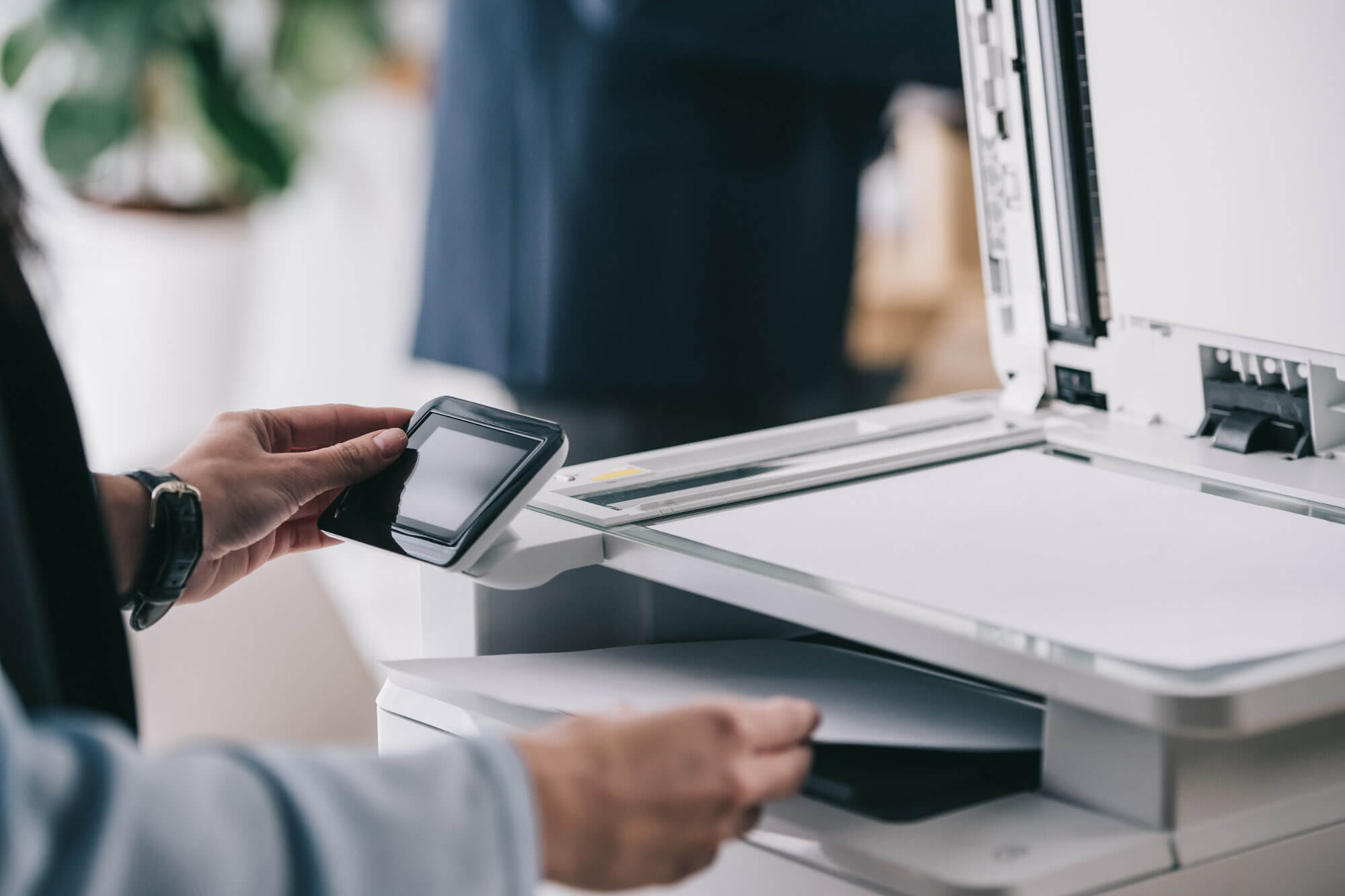
Most people walk past the office copier without a second thought. It prints, it copies, it scans, and every so often it jams. What few employees realize is that the machine in the copy room is a networked computer, complete with a processor, memory, storage and an operating system, and it sits on the same network as everything else in the building. That makes it a security risk worth taking seriously.
Your Copier Is a Computer on Your Network
Modern multifunction printers and copiers, often called MFPs, run embedded operating systems and connect to the network for printing, scanning, email and cloud services. Many include a hard drive or solid state drive large enough to hold thousands of pages, a web server for administration and connectors that reach into Microsoft 365, Google Workspace and shared file servers. Each of those features is useful, and each one is an entry point if the device is left at its defaults.
Unlike a laptop or a server, the copier is often installed once and then ignored for five or seven years. It receives no regular patching, no endpoint protection and no monitoring, and it may not appear in the asset inventory at all. Attackers understand this. A forgotten device with a valid network connection is exactly the kind of foothold they look for when they want to move through an environment quietly.
What Is Actually at Risk
A compromised copier can expose far more than the document that happens to be sitting in the tray. The most valuable data on the device includes:
- Stored documents: copies, scans and print jobs are frequently written to the internal drive, where they can remain long after the job finishes.
- Credentials: scan to email and scan to folder features often store usernames, passwords and service account details for the mail server or file share.
- Address books and directory data: many devices cache contacts, email addresses and directory information from Microsoft 365 or Active Directory.
- Cloud access: connectors to OneDrive, SharePoint, Google Drive and similar services can hold authorization tokens that survive long after the person who set them up has left.
- Network access: the device itself is a foothold that can be used to probe file shares, servers and other systems on your network.
For a law office, medical practice, accounting firm or any business handling client records, that combination is a serious exposure. A single forgotten scan can leave protected health information, financial records or legal documents sitting on a drive that nobody is watching.
The Weak Settings Attackers Count On
Most copier incidents do not begin with a sophisticated exploit. They begin with a device that was set up quickly and never reviewed. Common weak points include:
- Default or shared administrator passwords that were never changed, or are known to every employee in the office.
- Unused services left enabled, including raw printing, FTP, Telnet and remote management tools that nobody asked for.
- Outdated firmware with known vulnerabilities that the manufacturer patched years ago.
- Unencrypted protocols and an administrative web page reachable from the wider network, or even from the internet through a port forward.
- No secure print release, so documents sit in the output tray for anyone who walks by.
Each of these is usually a checkbox or a menu setting, not a purchase. The hard part is knowing which settings apply to your devices and checking them on a schedule rather than once at installation.
Compliance Does Not Stop at the Server Room
Businesses that handle patient records, card payments or financial information are covered by frameworks such as HIPAA, PCI DSS and the FTC Safeguards Rule. Those requirements apply to every system that stores or transmits the data, and that includes the copier. An MFP that caches scanned medical records on an unencrypted drive, or that is returned to a leasing company without being wiped, can create the same notification obligations as a breached server.
Device disposal deserves its own attention. Copiers are regularly returned at the end of a lease, sold, or moved to a storage closet, and the drive inside still holds the last several years of office paperwork. A documented wipe before the device leaves the building is as important as wiping a laptop.
A Practical Copy Room Checklist
For most small and mid-sized businesses, a reasonable starting point looks like this:
- List every printer and copier, who supports it, and what it connects to.
- Change every default administrator password and give each device a unique one.
- Turn off services and protocols you do not use, including public web administration if it is not needed.
- Apply firmware updates and track them alongside the rest of your patching.
- Encrypt the internal drive and enable secure print release with a badge or PIN.
- Put copiers on their own network segment so a compromised device cannot reach servers and workstations directly.
- Enable audit logs and review them, or forward them into your monitoring platform.
- Wipe the drive before any device is returned, resold or retired, and document the wipe.
None of this requires replacing equipment. It requires treating the copier as what it is: a computer that belongs in the same security program as everything else.
Where Seminole Office Solutions Fits
At Seminole Office Solutions, we supply and service the printers and copiers that sit in Central Florida copy rooms, and we support the networks they run on. That means we can help you choose equipment with the right security features, configure it correctly, keep the firmware current, and connect it to the same monitoring and management we provide for the rest of your technology.
Our print, copy and scan solutions cover the hardware and service side. Our cybersecurity services cover the network, the monitoring and the policies that keep devices from becoming blind spots. Together, they turn the copy room from an overlooked risk into a managed part of your environment.
If you cannot say how many copiers are on your network, or when their firmware was last updated, that is a good place to start. Contact Seminole Office Solutions to schedule a review of your print devices and find out what is sitting in your copy room.
Posted in: Cybersecurity