

First Time Registration of Valencia ID
Your Valencia ID contains a unique barcode on the back that will allow you to quickly log in to both Print and Pay Stations. To use your card to log in, it will need to be associated with your Valencia ID through a one time registration process. Follow the steps below.
-
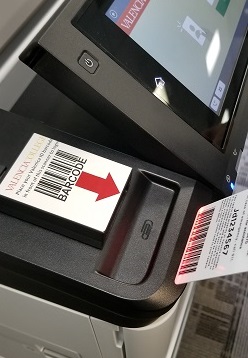
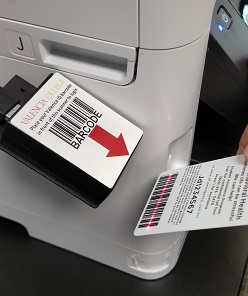
At any Print Station (Epson device) first scan your Valencia ID barcode at the scanner as shown below.
-
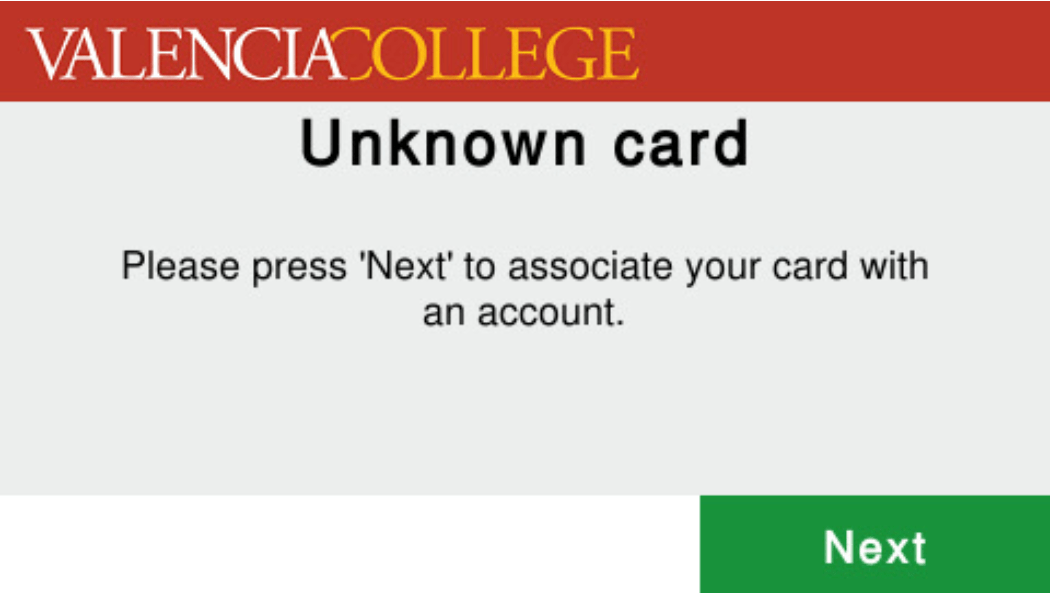
When the unit states "Unknown card", touch Next.
-
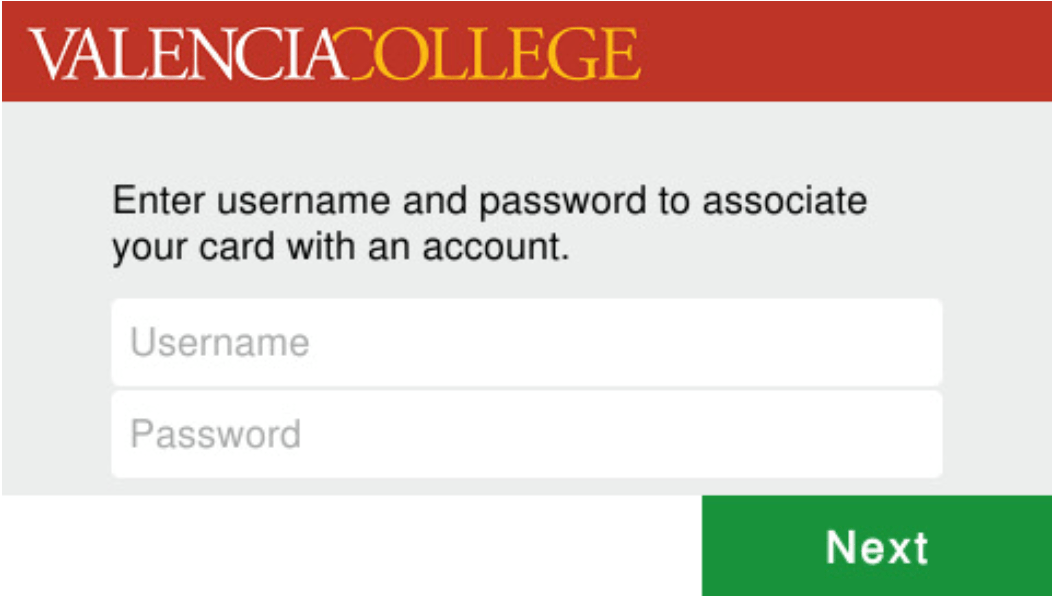
Login using your Valencia ID username and password. This is the same login that you use at library computers. Use the onscreen keyboard to enter in this information. Touch Next when entered.
-
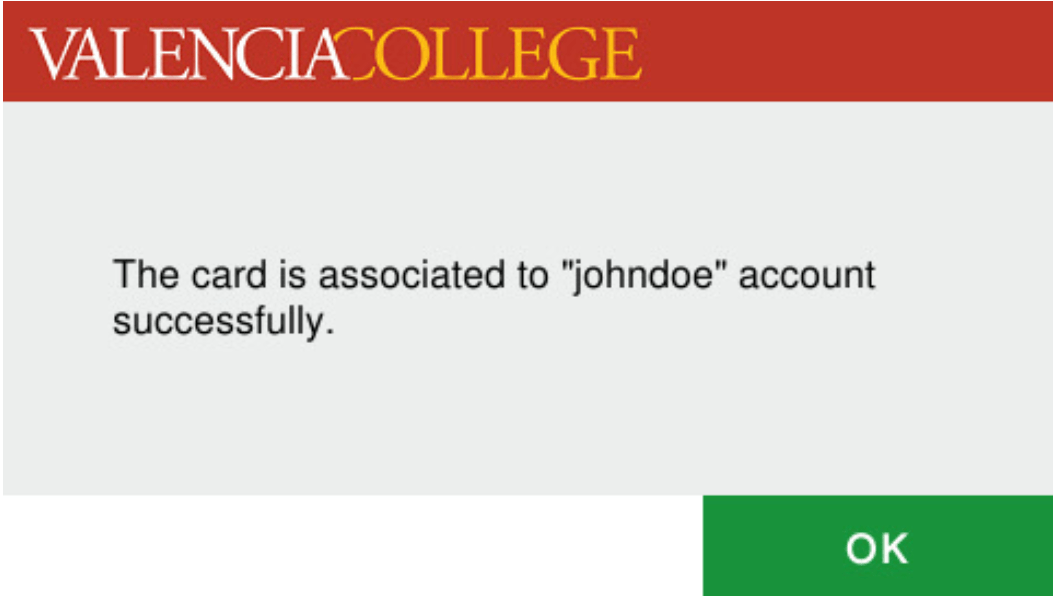
After successfully logging in, the unit will state that the card is associated with your username. Touch OK.
-
You can now use your Valencia ID barcode to login at any Print or Pay Station.